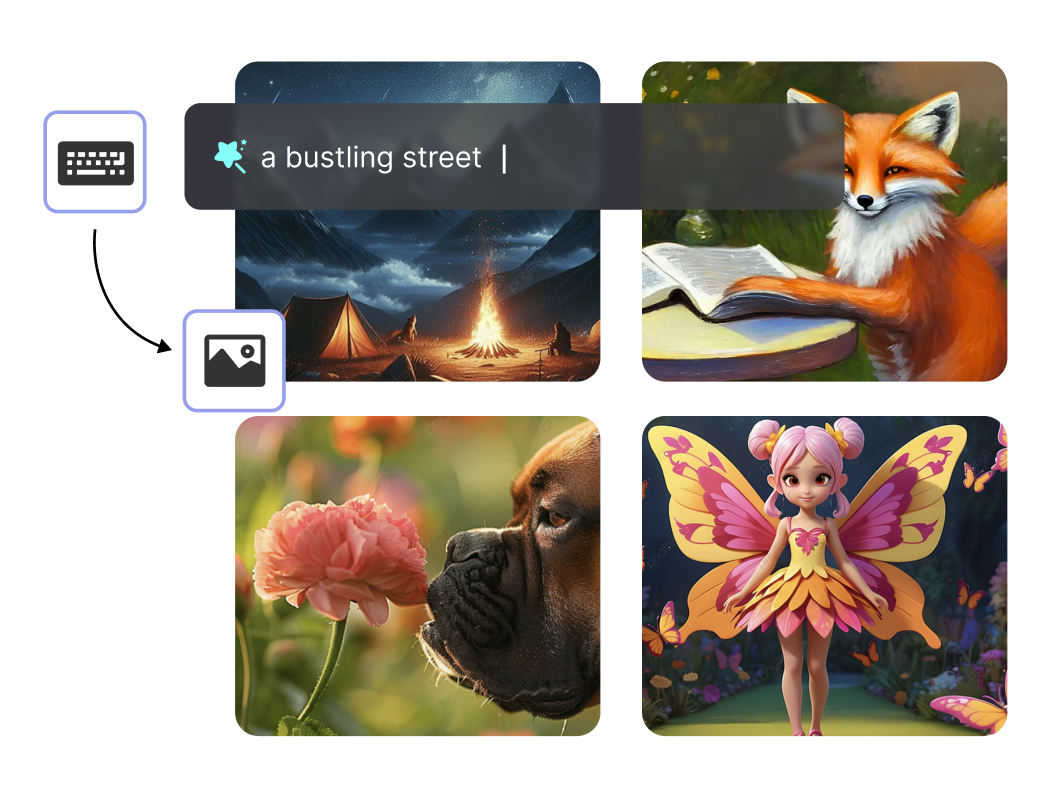
AI Art Image Generator Convert Text To Images Online
Input the prompts in the box below and you can effortlessly create stunning artworks with our powerful AI-driven image generator. Turn your visions into artworks within a few clicks.
Aspect Ratio:
Style:
No inspiration? Try these:
Error!
Revolutionize Your Creativity with AI Image Generator
Realistic Image Creation
Generate images with stunning details and realism.
Detail the prompts
Choose styles, sizes, and describe in details.
Various Styles
A wide range of images, from landscapes and portraits to abstract art.
Introducing Online AI Image Generator From Text Prompts
To ensure satisfactory AI image results, effective and detailed prompts are essential. Please refer to the following formula when using: Theme + Detailed Description + Environment + Style + Image Quality. For example:
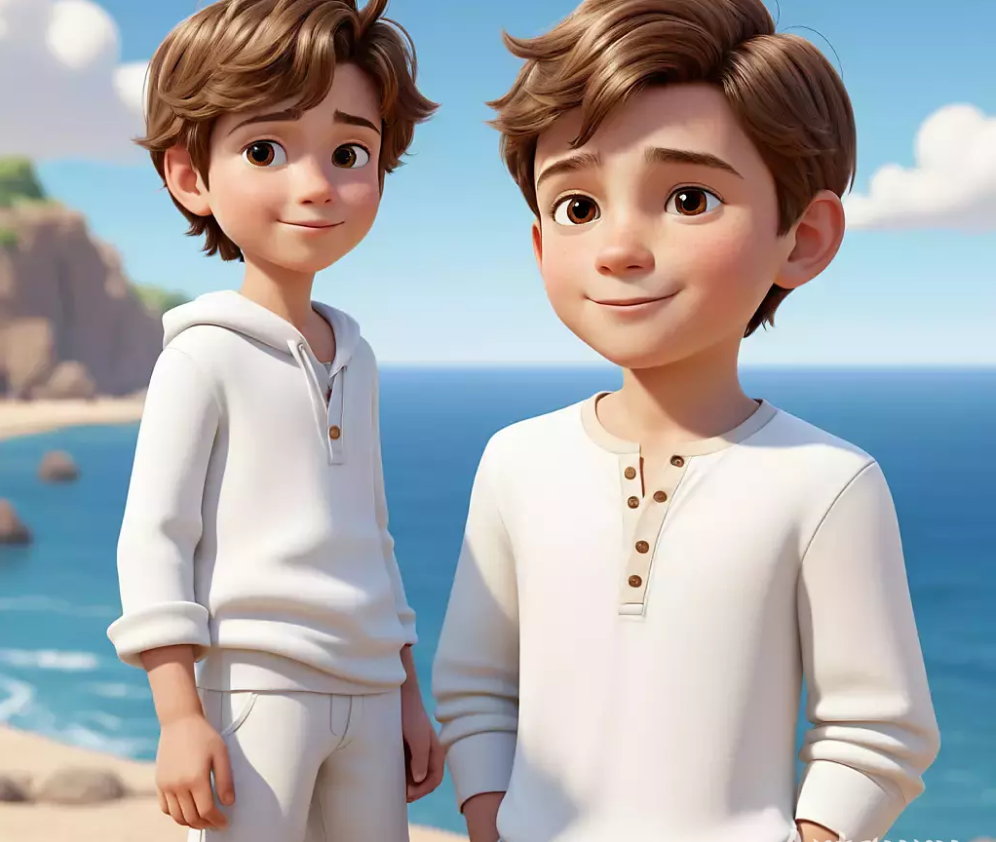
A brown-haired young boy in white clothing by the seaside, depicted in a cartoon style, with high-definition image quality.
How To Use AI Image Generator
1. Select or Input Your Prompt
Begin by choosing or typing in the prompt. This can be a specific object, scene, or even an abstract concept. The AI will use this prompt as inspiration for generatiing the image.
2. Adjust the Settings
The tool offers various settings that allow you to customize your image. You can adjust parameters like the style, colors, and even the resolution of the image. Experiment with these settings to achieve the desired look and feel for your image.
3. Generate and Download Your Artwork
Once you are satisfied with your prompt and settings, hit the "Generate" button. The AI will start creating your image based on the provided inputs. After a short while, your image will be ready. Click the "Download" button to save your image to your device.
AI Image Generator FAQs
1. What is the AI Image Generator tool?
It's a software that uses artificial intelligence to transform text descriptions into images automatically.
2. How does the AI Image Generator work?
It analyzes the text input and generates corresponding images based on the description using advanced algorithms.
3. What types of images can I create with the AI Image Generator?
You can create various types of images such as landscapes, portraits, abstract art, and more, depending on the provided text description.
4. Do I need any technical skills to use the AI Image Generator?
No, it's designed to be user-friendly, requiring only text input to generate images without any technical expertise.
5. How much does it cost to use the AI Image Generator?
The AI Image Generator is completely free to use, allowing users to create images at no cost.
Finish what you startedComplete this generationComplete this rewriteUpgrade to unlock more creditsGet more credits
Your draft is saved. Get more credits to keep writing and bring your ideas to a complete ending.
Unlock more possibilities with premium credits.
Then $29.90/month · 20,000 credits.
Renews at $9.90 every 3 days for 6,000 credits. Cancel anytime.
Renews at $29.90 per month for 20,000 credits. Cancel anytime.
Billed $299.00 yearly. Cancel anytime
Billed $699.00 yearly. Cancel anytime
Credits are valid for one year.
Credits are valid for one year.
Secure checkout·Cancel anytimePowered by Stripe & PayPalPowered by Stripe